 Rooftop Solar Subsidy
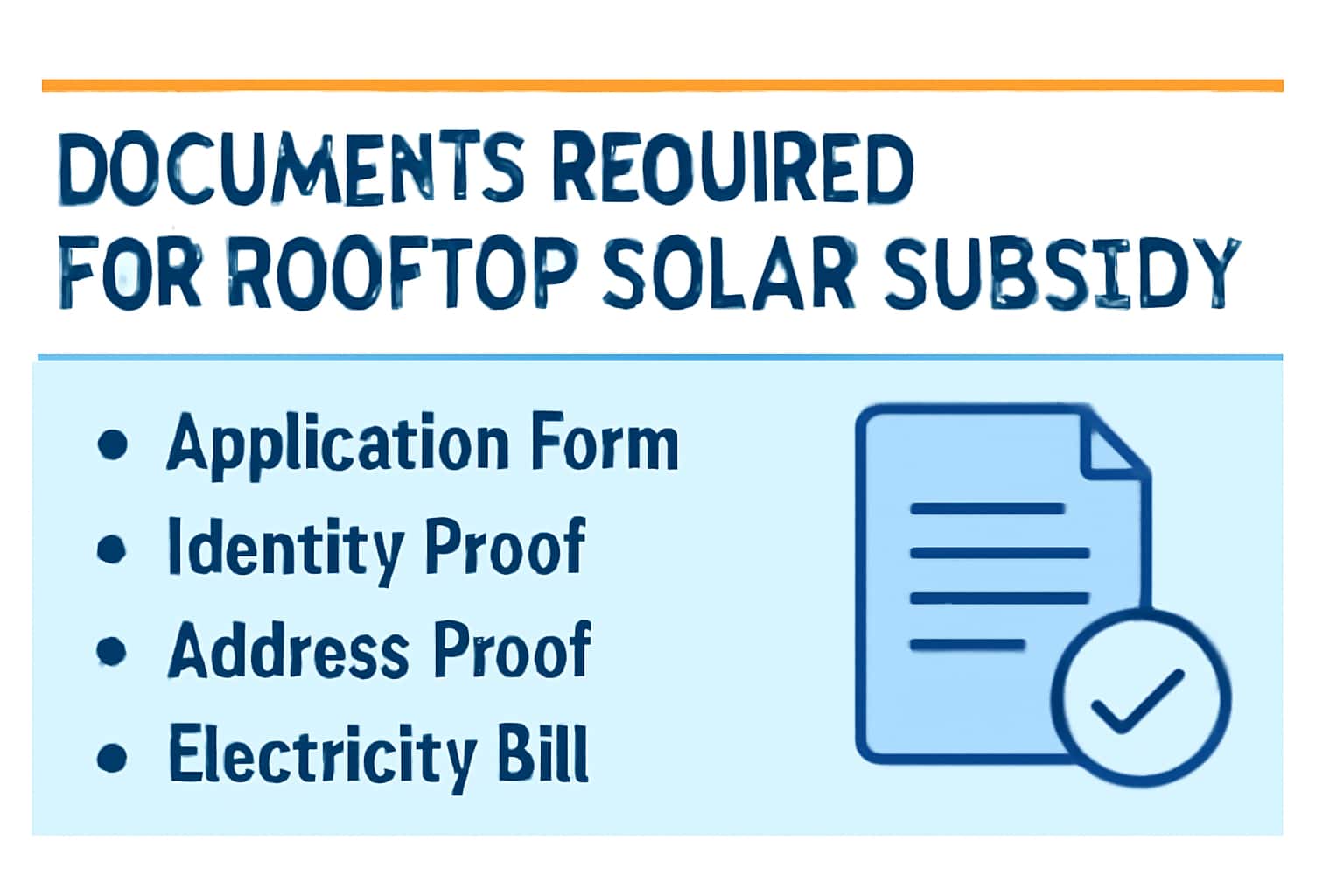
Applying for the Rooftop Solar Subsidy can be straightforward if you have the right documents ready. This guide outlines the essential paperwork required for a successful application. For more information on benefits and eligibility, check out our Benefits of Rooftop Solar Subsidy page.
It's important to prepare all necessary documentation in advance to avoid any delays in the application process. For assistance, you can visit our Help / Helpline section.
Who This Is For
The Rooftop Solar Subsidy is aimed at homeowners, businesses, and institutions looking to install solar panels on their rooftops. This initiative encourages renewable energy use and helps reduce electricity costs.
- Homeowners interested in solar energy.
- Small business owners looking for cost-effective solutions.
- Institutions seeking to reduce their carbon footprint.
Eligibility & Requirements (Verify Official Notice)
To qualify for the Rooftop Solar Subsidy, applicants must meet certain criteria related to their property and the solar installation. These details can change, so it's essential to verify the latest eligibility requirements on the official portal.
Typically, the subsidy is available to residential properties, but there are also provisions for commercial establishments. Make sure to check if your type of property is eligible for the subsidy. For example, if you live in a rented property, you may need additional documents from the property owner.
- Property ownership is typically required.
- The solar installation must meet specific technical standards.
- Check for any local regulations or restrictions.
- Confirm your property's zoning status to avoid complications.
Documents Needed
The following documents are generally required to apply for the Rooftop Solar Subsidy. Ensure that you have all necessary paperwork ready to expedite your application process. Missing documents can delay your application significantly.
For example, if you fail to provide proof of identity, the application may be rejected outright. Likewise, ensure that all documents are recent and accurately reflect your current situation.
- Proof of identity (Aadhaar card, voter ID, etc.)
- Proof of address (utility bill, property tax receipt, etc.)
- Property ownership documents (sale deed, agreement, etc.)
- Technical specifications of the solar system
- Bank account details for subsidy transfer
- Recent photographs of the installation site.
Step-by-Step: How to Proceed
Follow these steps to successfully apply for the Rooftop Solar Subsidy. Each step is crucial to ensure that your application is complete. Incomplete applications are often the cause of delays.
After gathering your documents, log in to the official application portal. If you haven't registered yet, you can do so easily by following the instructions provided on the site.
- Gather all required documents as listed above.
- Visit the official application portal.
- Complete the online form with accurate details.
- Upload the necessary documents in the specified format.
- Submit the application and keep a copy for your records.
- Monitor your application status regularly through the portal.
Common Issues & Fixes
Some applicants may encounter common issues during the application process. Here are a few potential problems and their solutions. Familiarizing yourself with these issues can save you time and frustration.
In cases where document uploads fail, ensure that files meet the specified requirements regarding format (PDF, JPG, etc.) and size limits. If you face identity verification issues, double-check that the name and details on your documents match the information you've provided in your application.
If you experience delays in response, don't hesitate to reach out to the helpline or check the application status online.
- Document upload failures - Ensure documents are in the correct format and size.
- Identity verification issues - Double-check the information provided.
- Delayed responses - Verify application status through the official site.
- In case of a system error, try clearing your cache or using a different browser.
Frequently Asked Questions
Where do I verify the latest details?
Use the official portal/notification and cross-check dates.
What if I cannot login/apply?
Try the troubleshooting steps and verify OTP/KYC instructions.